Recent articles
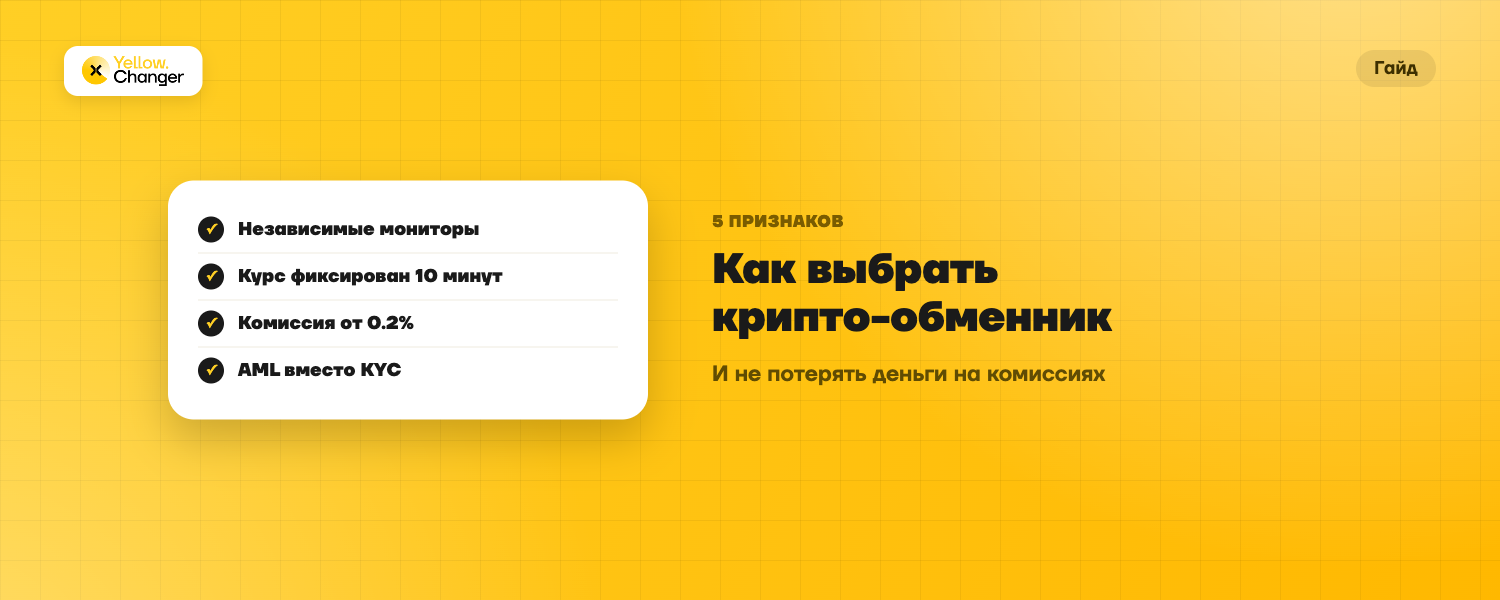
How to choose a crypto exchanger without losing money: five things to check
Jul 29, 2026
There are dozens of exchangers, and not all of them are transparent about fees, limits, and AML policy. Here are five concrete things to check before sending a deposit anywhere.
Yellow or Green Rate: How to Choose an Exchange Mode on YellowChanger
Every exchange on YellowChanger runs in one of two modes: Yellow locks the rate for 10 minutes from the moment an order is created, Green calculates the amount at market price once the transfer is confirmed and costs less. The gap ranges from a fraction of a percent to several percentage points of fee, so the choice is worth making on purpose, not by default.
Yellow rate: paying for certainty
At order creation, the rate is locked for 10 minutes. If the transfer arrives and gets the required network confirmations inside that window, you receive exactly the amount shown when the order was created. If the window runs out, the rate is refixed at the moment the transfer actually lands. Useful when you want to know the exact received amount ahead of time, especially in a volatile market.
The amount is large enough that a couple of percentage points of price movement matters in real money
You need to know the exact received amount in advance — for a payout to a third party, for instance
The market is swinging and the price could move either way within 10 minutes
Green rate: market price, lower fee
Green sets the amount at the moment the transfer is credited and confirmed by the network, with no rate locked in advance — so the final amount can end up higher or lower than the initial estimate. In exchange for that uncertainty, the fee is lower, and logged-in users get access to a loyalty program that lowers fees further as their monthly trading volume grows. Volume resets on the 1st of each month at 00:00 UTC.
Fees in numbers: where the gap actually shows up
Crypto-to-crypto swap: Green starts at 0.6% and drops to 0.2% as volume grows, Yellow is a flat 1%
Regular RUB payout via SBP: Green starts at 2.5% (down to 2.3% at the top loyalty tier), Yellow is 3%
Instant RUB payout via SBP: Green starts at 4.5%, Yellow is 5%
Exact rates depend on the payout method and are always shown on the exchange page — the numbers above reflect current settings at the time of publishing.
The gap adds up for anyone who trades often: the higher your total monthly volume on the account, the lower the Green fee gets, up to the top loyalty tier. Without logging in, the base Green rate applies — no volume discount, but still cheaper than Yellow.
The Yellow mode's rule is simple: the amount you see the moment you create the order is the amount you get, as long as the transfer arrives within 10 minutes.
What happens if the payment misses the 10-minute window
Under the service rules, the rate is refixed at the moment the transfer actually arrives — the order isn't cancelled or penalized automatically. Only one incoming transfer is accepted per order, and splitting payment across several transactions isn't allowed except by separate agreement with support. Repeatedly creating unpaid Yellow orders, or using the fixing window only to cherry-pick favorable outcomes, counts as abuse and can get Yellow-mode access restricted.
How to choose between Yellow and Green
If you regularly exchange, say, USDT for TON, and the exact amount to the cent isn't critical, Green pays for itself over time through the loyalty program. For a one-off large trade — BTC for USDT, for example — locking the rate for 10 minutes can feel calmer than betting on where the market goes next.
In practice the logic is simple: someone who exchanges crypto occasionally and wants to know the exact amount in hand before sending a transfer picks Yellow and pays a bit extra for that predictability. Someone trading regularly and willing to accept a small gap between the estimate and the final amount saves on fees with Green — the saving becomes noticeable once monthly volume reaches a few thousand dollars.
Neither mode requires identity verification for the vast majority of exchanges — that depends on the AML risk score of a specific transfer, not on which rate mode you pick.
FAQ
Can I switch modes after creating an order?
Mode is one of the parameters you set before sending the payment, alongside amount and recipient details. If you need the other mode, it's simplest to create a new order.
What happens if a Yellow-rate transfer arrives after 10 minutes?
The rate is refixed at the moment the transfer actually arrives, rather than the order being cancelled automatically.
Why is Green cheaper than Yellow?
Because the service isn't taking on the risk of locking a rate in advance, and logged-in users get additional access to the loyalty program.
Do I need to register to get the loyalty discount?
Yes — the loyalty program applies to the Green mode and requires being logged in so your volume can be tracked. Without an account you get the base Green rate but no volume discount.
Which mode should I pick for a one-off exchange without registering?
Both work without registration or identity verification for the vast majority of exchanges. Yellow gives certainty on the received amount, Green may start out slightly cheaper depending on the payout method.